Enterprise Server
The Bromure Enterprise Manager is the administrative console that runs Bromure across your organization. Each tenant gets its own workspace at `https://bromure.io/app/login` from which admins manage profiles, users, installs, sessions, and identity-provider integrations. This guide walks through every screen.
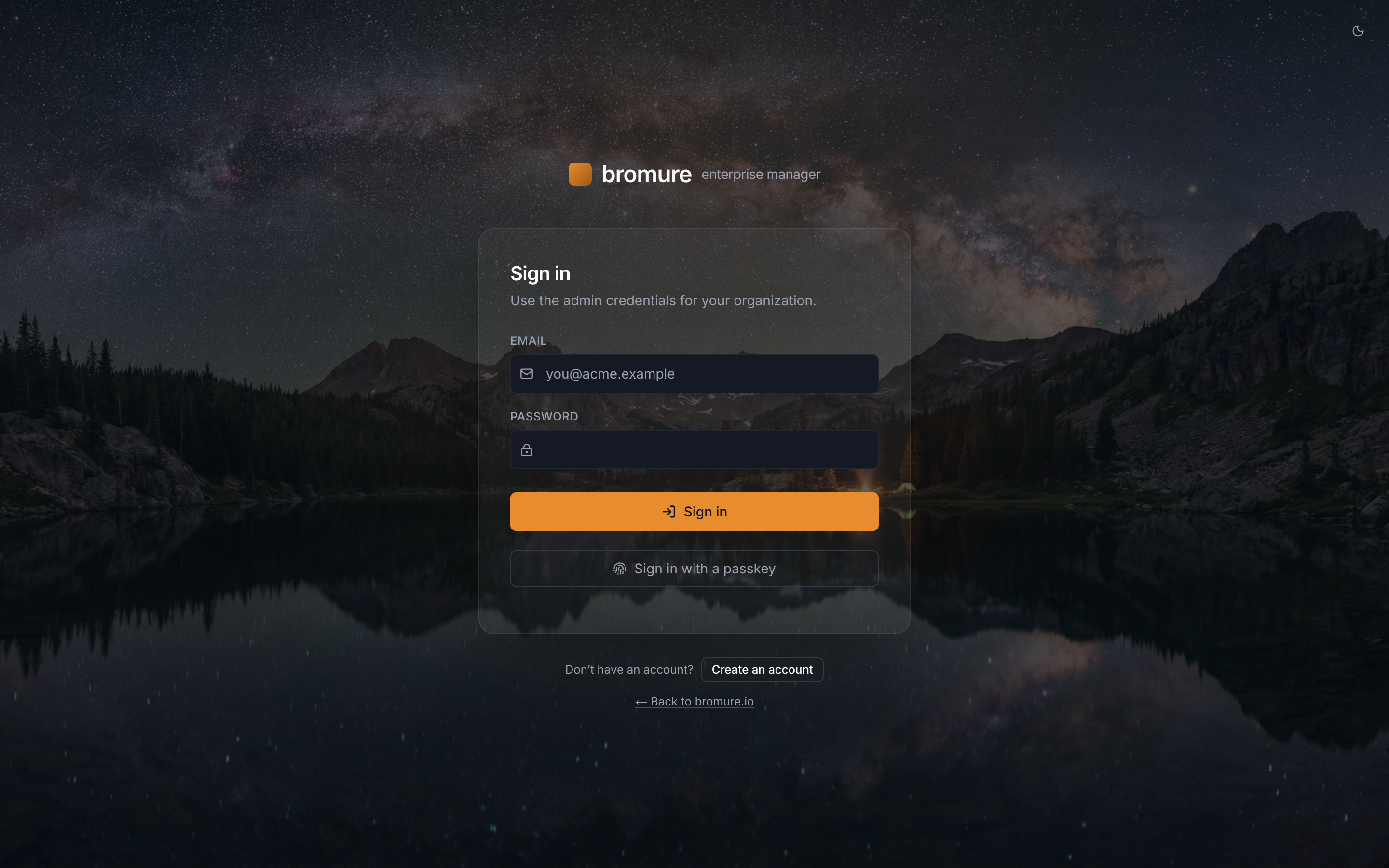
Signing in
Admins sign in with the email and password used at workspace creation. The account can be further protected with TOTP (any authenticator app) or a device-bound passkey (Touch ID, Windows Hello, security key). From this screen you can also create a brand-new organization — sign-up mints a 6-digit email verification code, and on verify creates the organization plus its first owner admin in a single transaction.
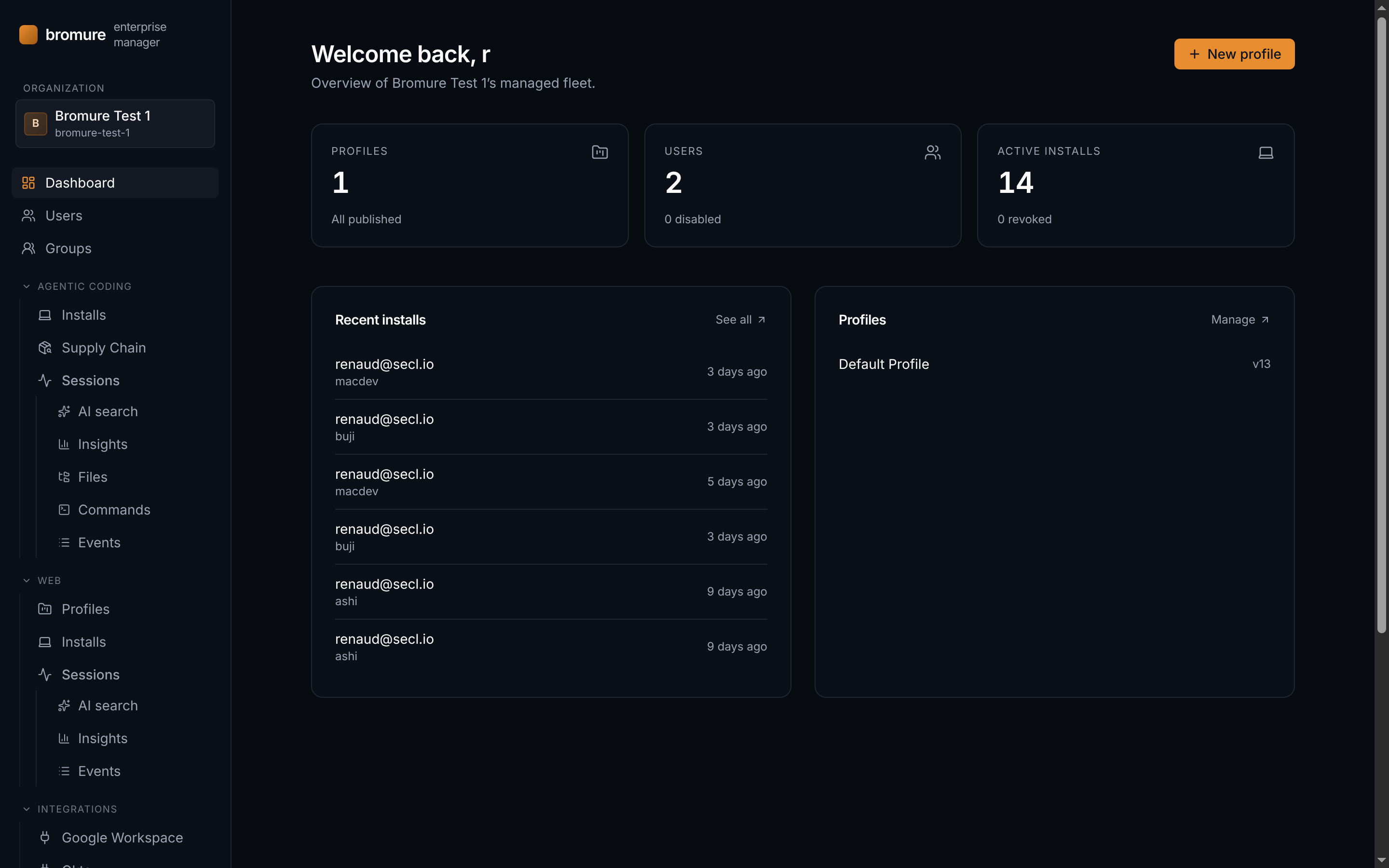
Dashboard
The landing page after sign-in. At a glance it surfaces the three counters that matter — total profiles, users in the directory, and active installs — alongside the most recent enrollments and the list of managed profiles. A *New profile* shortcut lives in the top-right corner.
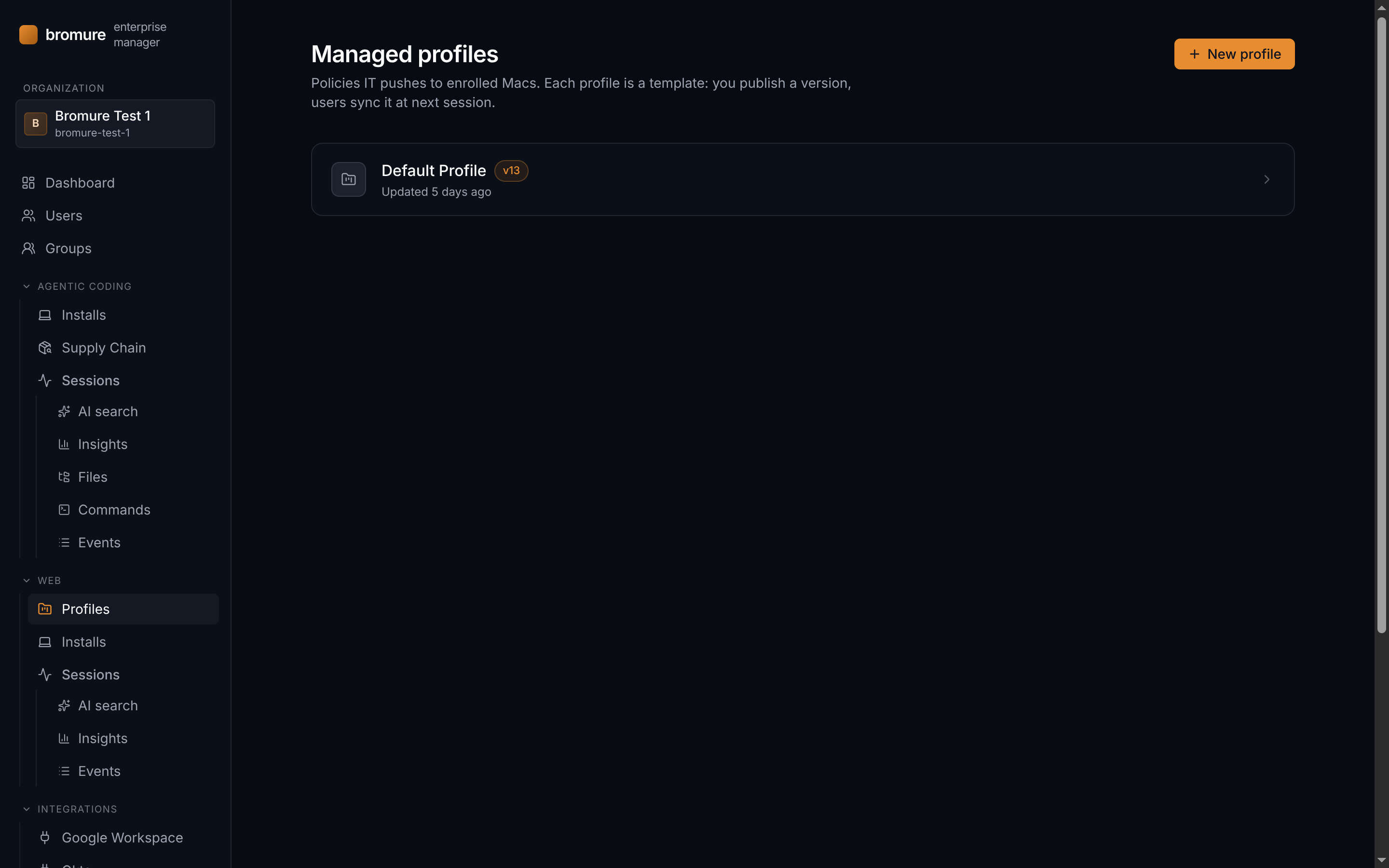
Managed profiles
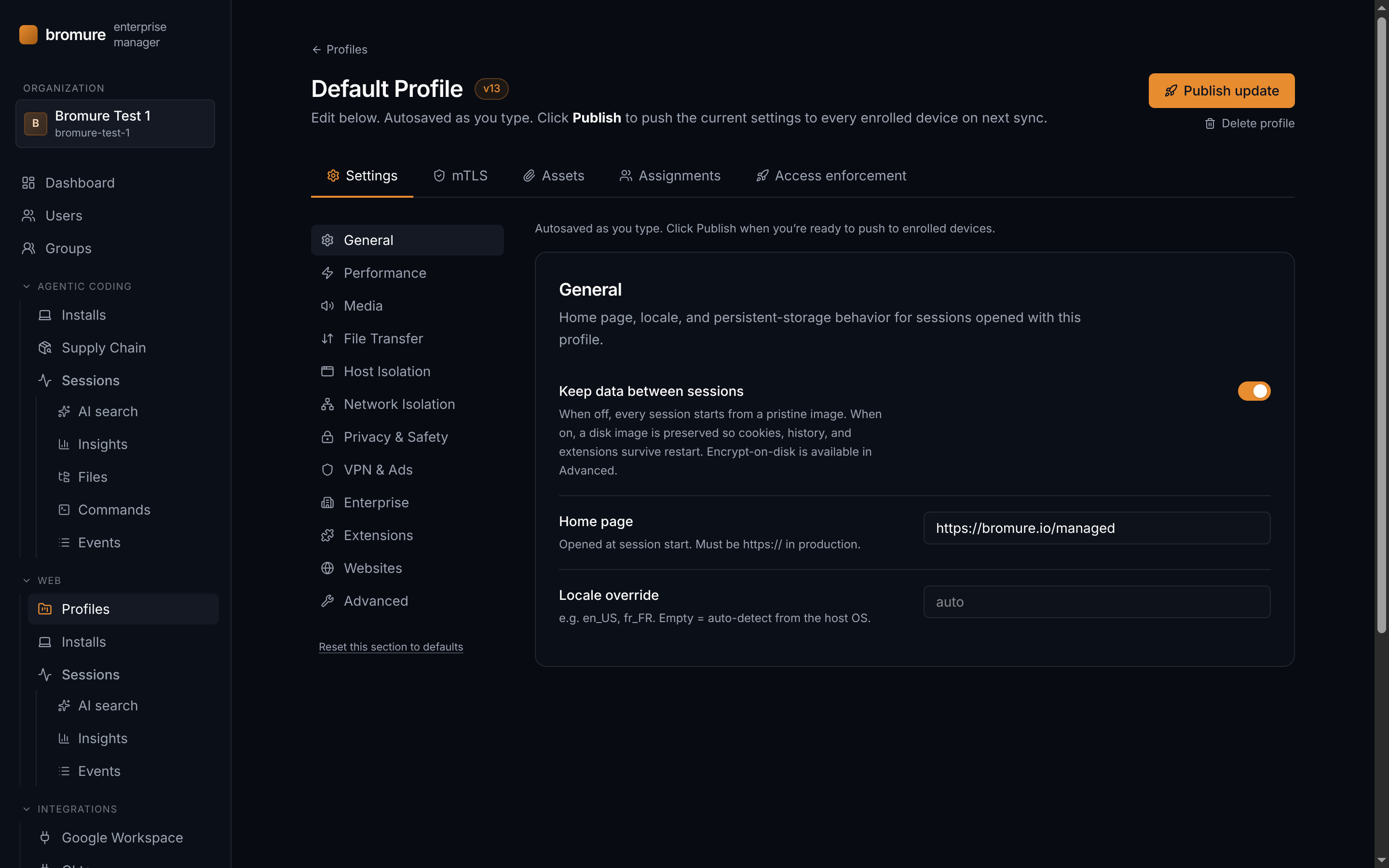
Profiles are the policies IT pushes to enrolled Macs. Each profile is a template you edit and *publish* — a published version is what devices sync on their next session. A profile covers browser settings (home page, clipboard, persistent storage, webcam, file transfer, VPN, ad-blocking, session tracing), arbitrary file assets (WireGuard configs, VPN passwords — all envelope-encrypted at rest), an optional mTLS CA, and the list of users or groups the profile is assigned to. Autosave is on while you edit; click *Publish* when you're ready to roll out to devices.
Opening a profile drops you into its editor, organized into five tabs:
Settings — browser policy
The main editor. A left sidebar walks you through ten categories — General, Performance, Media, File Transfer, Privacy & Safety, Network Isolation, VPN & Ads, Enterprise, Websites, and Advanced — each with its own fine-grained toggles. Edits autosave as you type; click *Publish* to roll the new version out to every enrolled device at next sync.
Users
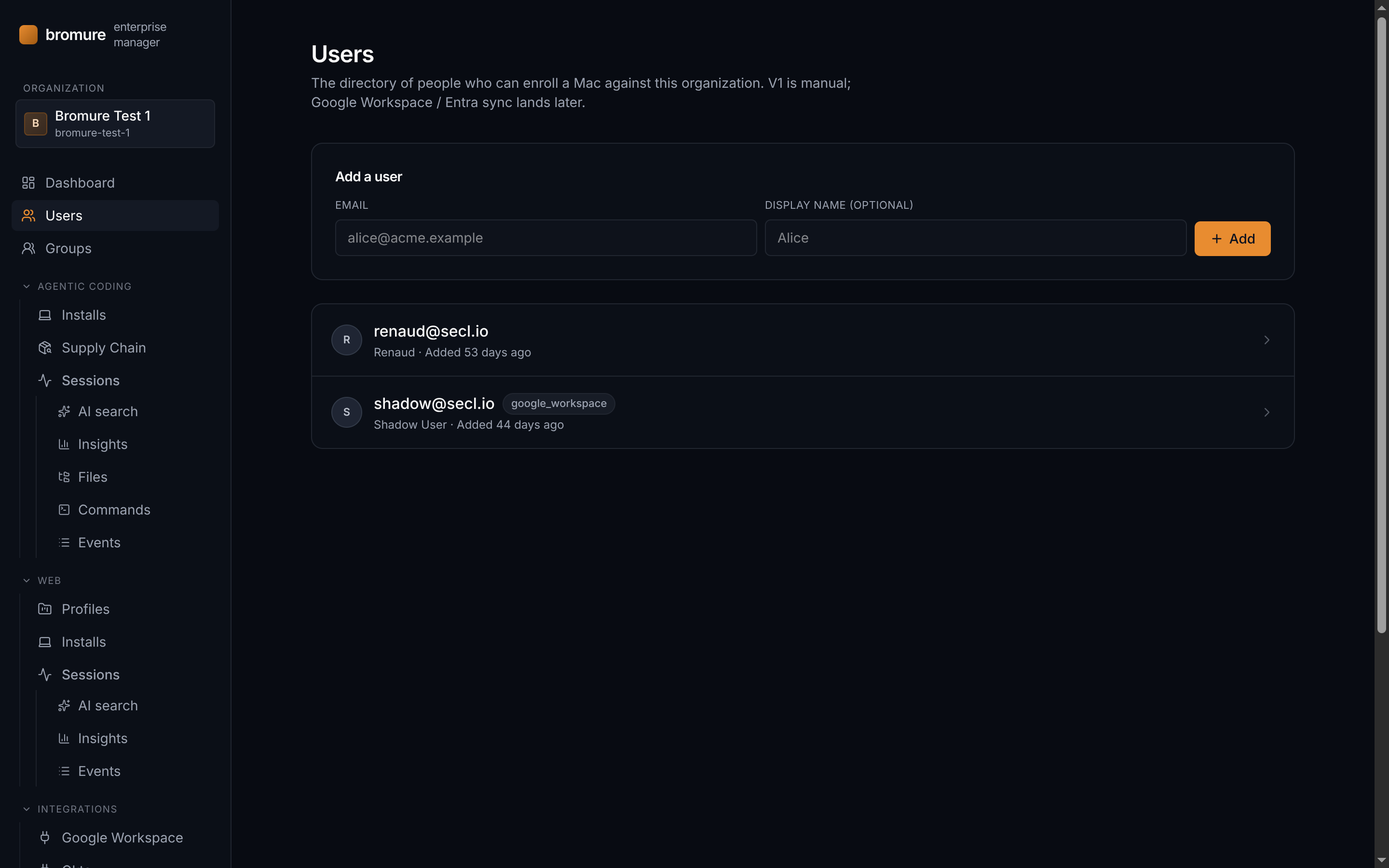
The directory of people who can enroll a Mac against this organization. Each user gets an enrollment code — a one-time, phone-dictatable code valid for 72 hours — which they redeem inside Bromure Web to join the org. In V1 the directory is maintained manually. Google Workspace and Microsoft Entra sync will land in a later release.
Groups
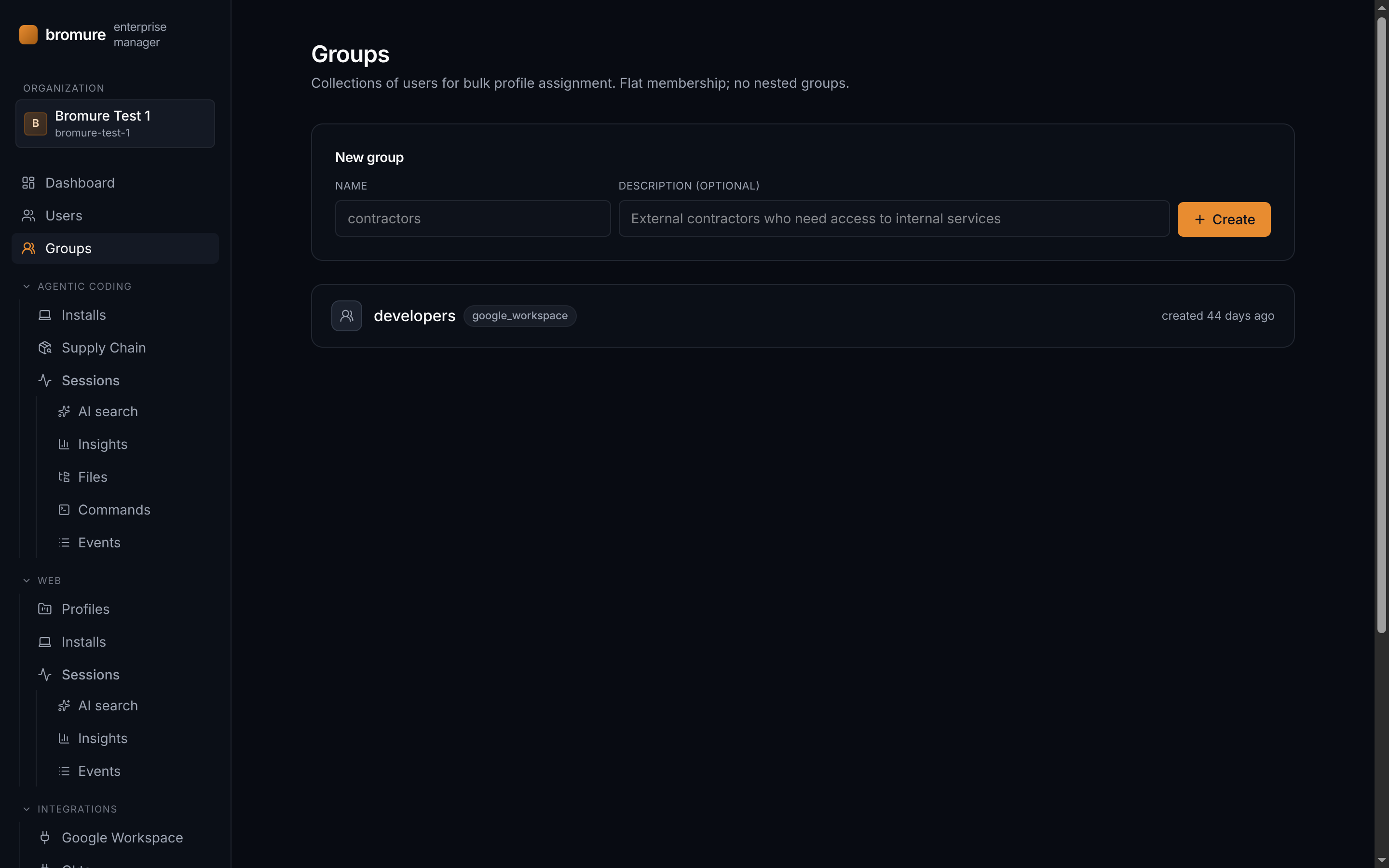
Collections of users used for bulk profile assignment. Membership is flat — there are no nested groups. The union of a user's direct assignments and the assignments of every group they belong to is what their device syncs.
Agentic Coding
Bromure also sandboxes AI coding agents — Claude Code and Codex — inside disposable Linux VMs. The Agentic Coding area of the console gives fleet-wide visibility into what those agents did: which machines run them, every tool call and shell command, the files they touched, the tokens they burned, and every package they pulled through the supply-chain proxy. Session tracing is recorded automatically when a managed Agentic Coding profile has it enabled; the views below all share the same time-window selector — widen it to *Last 7 days* to see a full week of activity.
The Agentic Coding section breaks down into seven views:
Installs
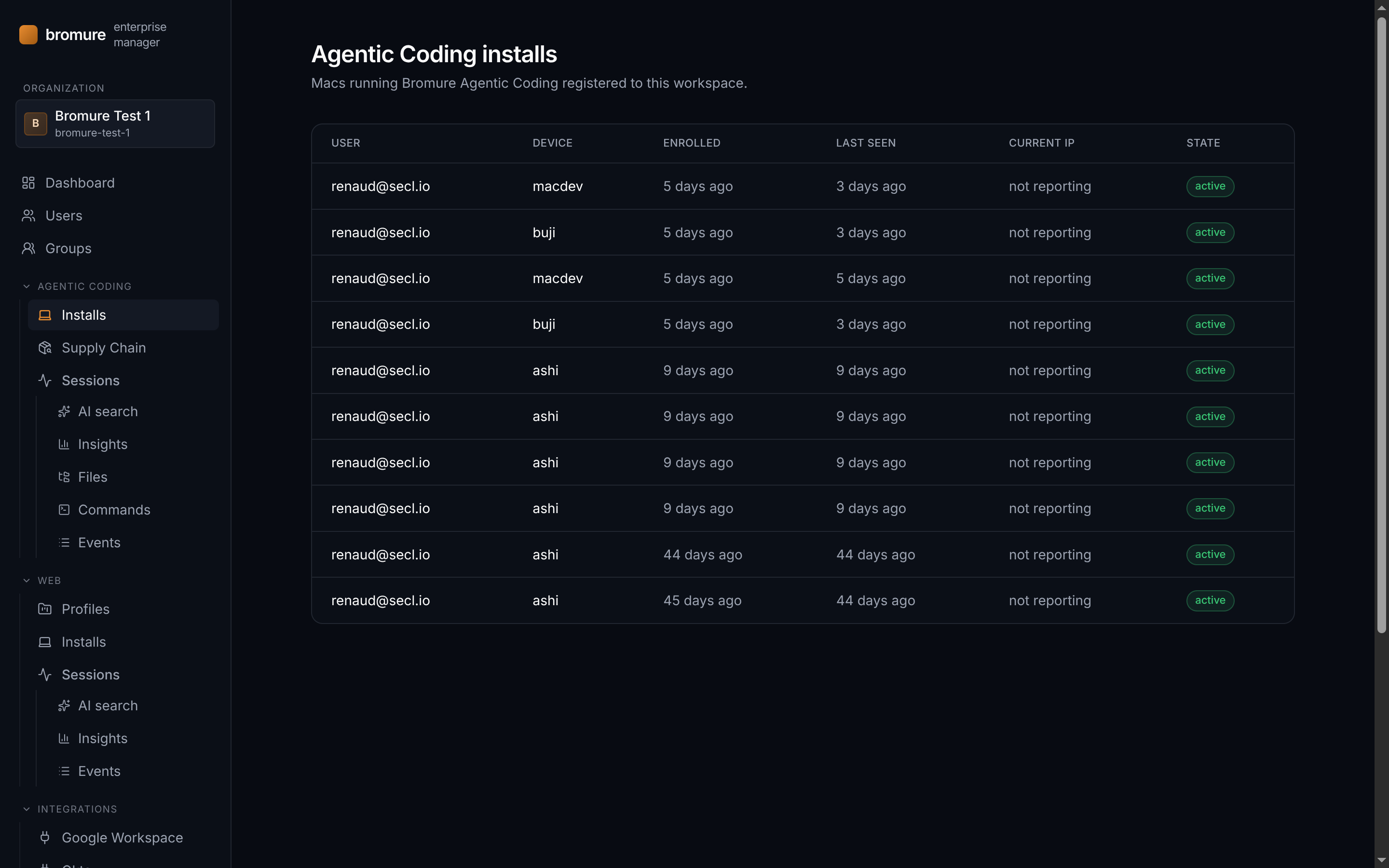
Every Mac running Bromure Agentic Coding that is registered to this workspace — one row per device, with the owner, enrollment and last-seen times, egress IP, and revocation state. Revoking an install cuts it off from profile updates and fails mTLS at the next rotation, exactly like the browser installs list.
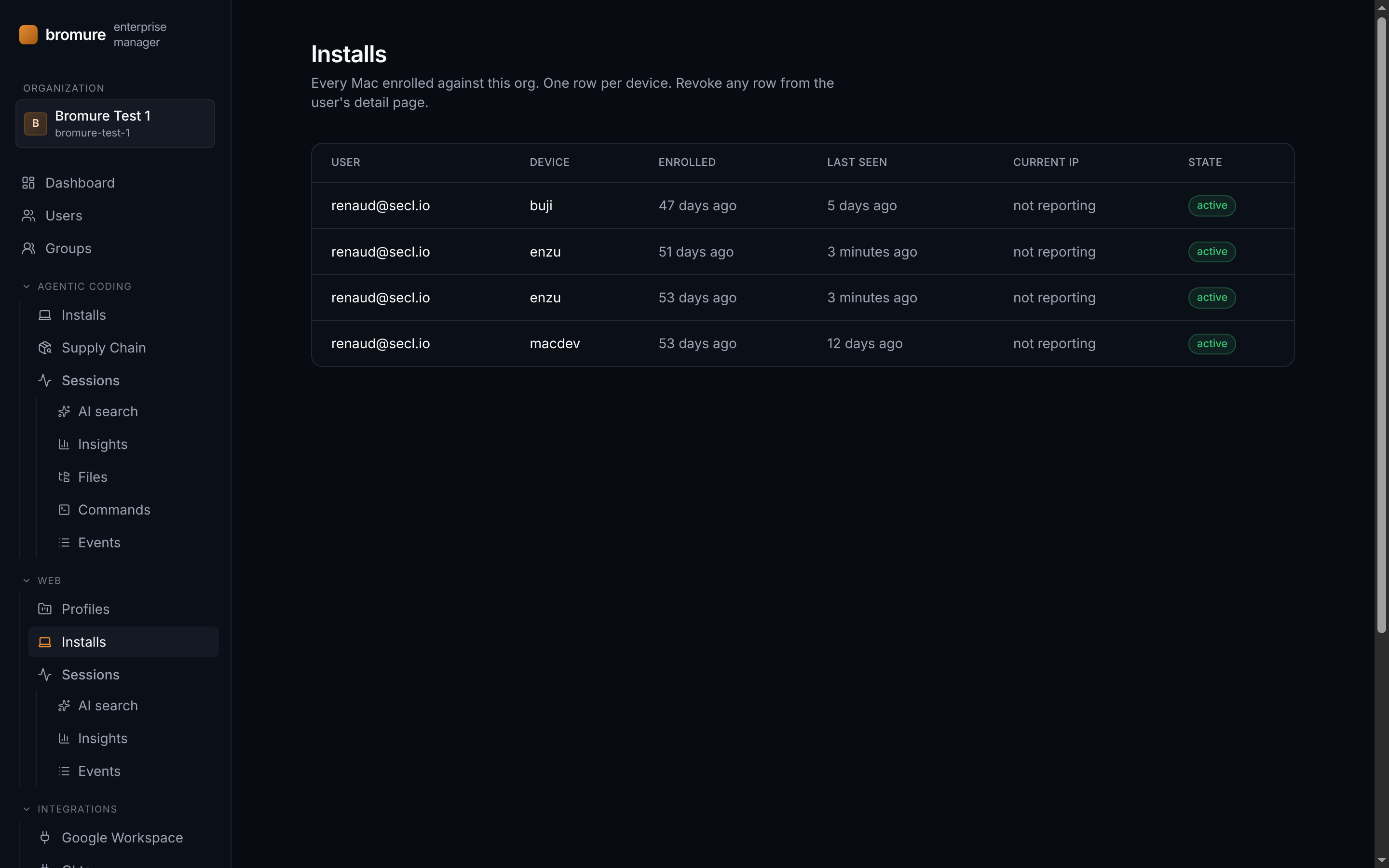
Installs
Every Mac enrolled against the organization, one row per device. The table shows which user owns the device, when it enrolled, when it last checked in, the current egress IP reported by the install, and its state. From a user's detail page you can revoke any install — revoked devices stop receiving profile updates and fail mTLS at next rotation.
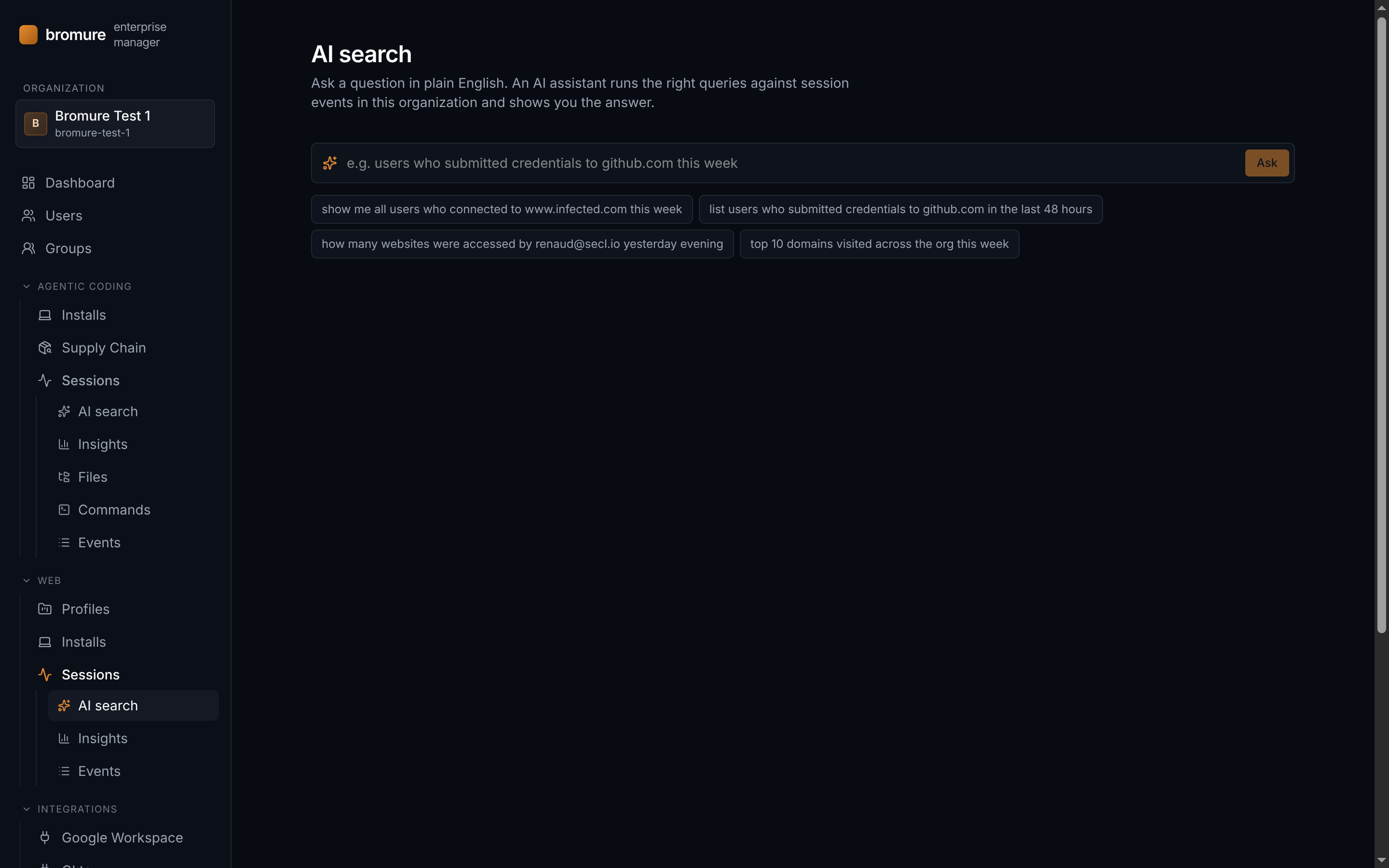
Sessions › AI search
Ask a question in plain English. An AI assistant translates your question into the right query against session events in this organization and shows you the answer, with citations to the underlying events. Examples: *users who submitted credentials to github.com this week*, *how many websites were accessed by alice yesterday evening*, *top 10 domains visited across the org this week*.
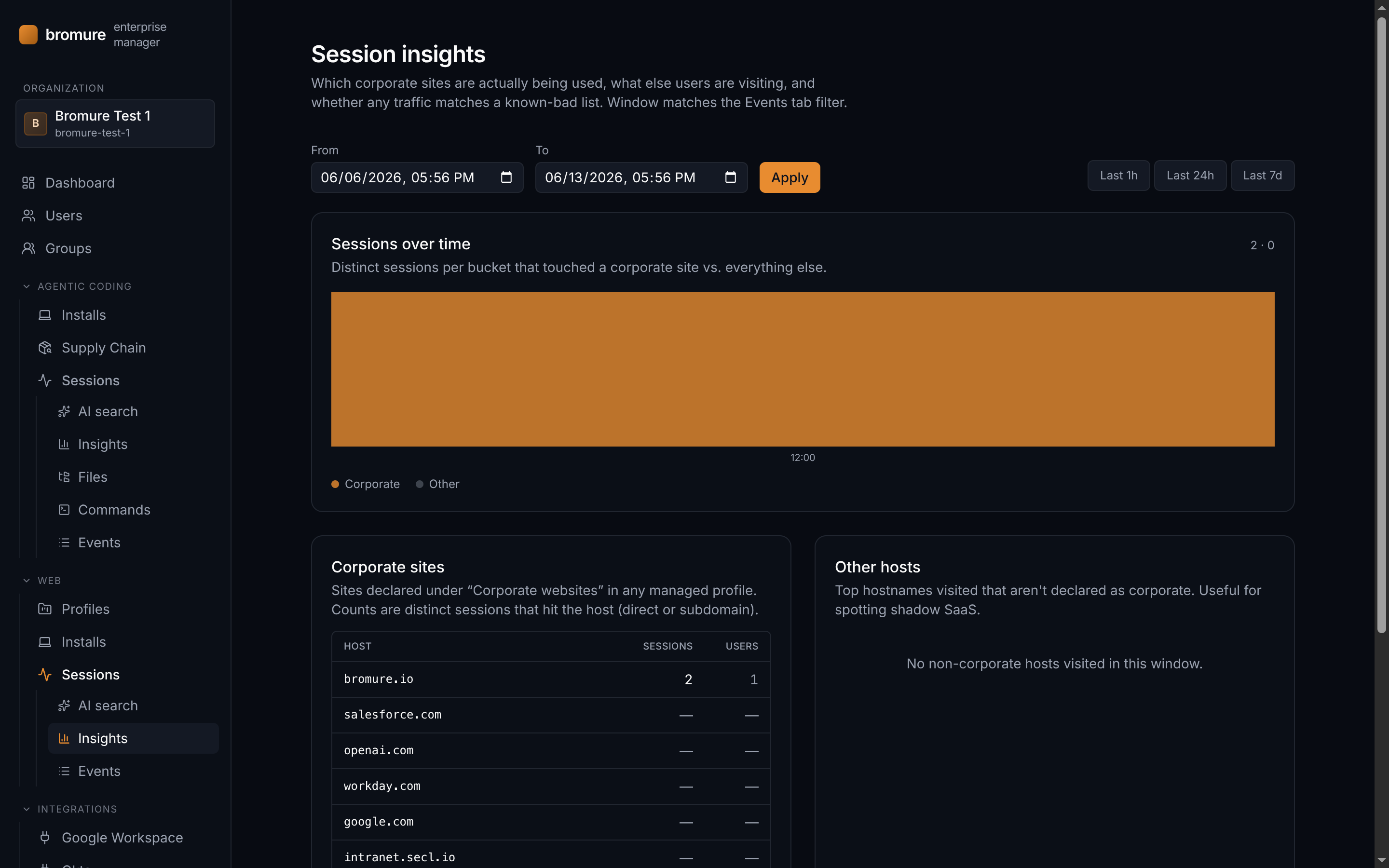
Sessions › Insights
A high-level view of which corporate sites are actually being used, what else users are visiting, and whether any traffic matches a known-bad list. *Corporate sites* count distinct sessions that hit each host declared under *Corporate websites* in any managed profile. *Other hosts* surfaces top non-corporate destinations — useful for spotting shadow SaaS. *Flagged by threat intel* matches visited hosts against URLhaus (abuse.ch); treat hits as leads, not verdicts.
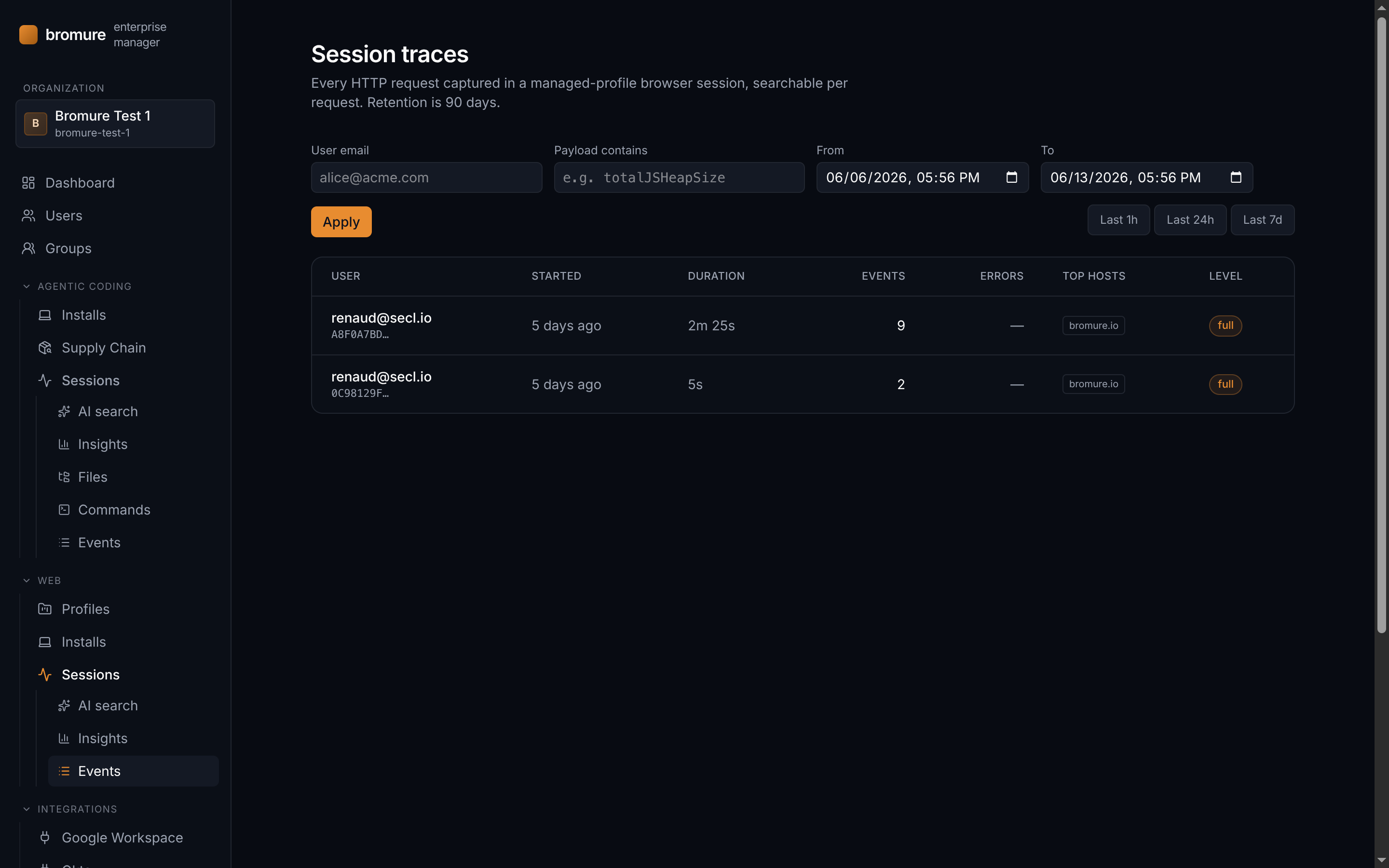
Sessions › Events
Every HTTP request captured in a managed-profile browser session, searchable per request. Each session row summarizes the user, duration, event count, error count, top hosts and recording level — click through to see every request with headers, status, timing, and optional form-field capture. Session tracing is off by default: to start capturing activity, edit a managed profile's *Advanced* section and set **Session trace** to *Basic* or higher. Retention is 90 days.
Integrations › Google Workspace
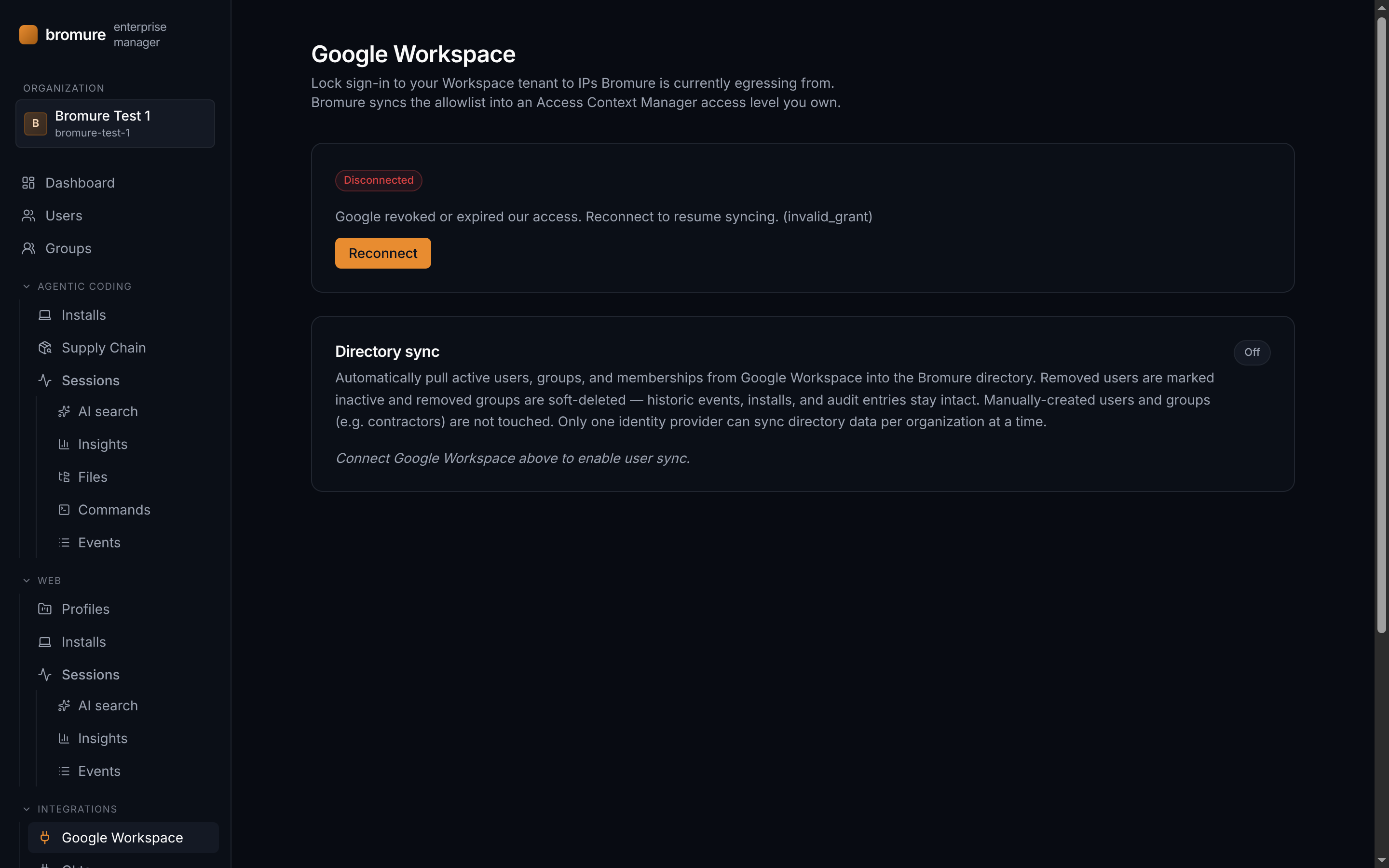
Locks sign-in to your Workspace tenant to the IPs Bromure is currently egressing from. After an OAuth handshake Bromure picks an Access Context Manager access level that you own, then keeps its `ipSubnetworks` condition in sync on every egress-IP rotation. Other conditions on the level are left untouched. Granting yourself an IAM role on the GCP organization that owns Workspace is a prerequisite — Workspace super-admin alone doesn't carry GCP permissions.
Integrations › Okta
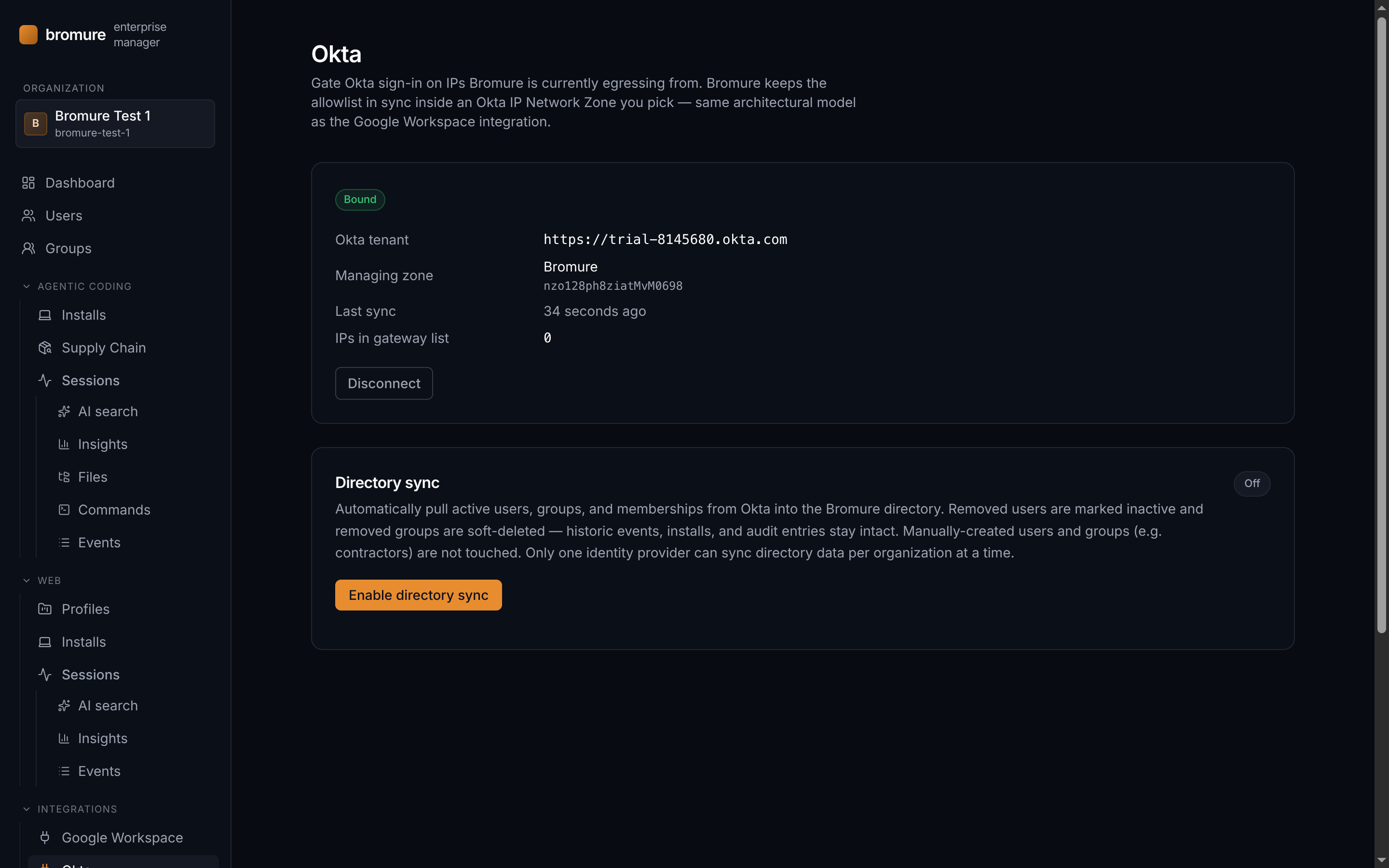
Gates Okta sign-in on the IPs Bromure is currently egressing from. You pick an Okta IP Network Zone dedicated to Bromure, paste an API token created by an Okta org admin, and Bromure keeps the zone's gateway list in sync with every egress-IP rotation — same architectural model as the Google Workspace integration.
Integrations › OpenTelemetry
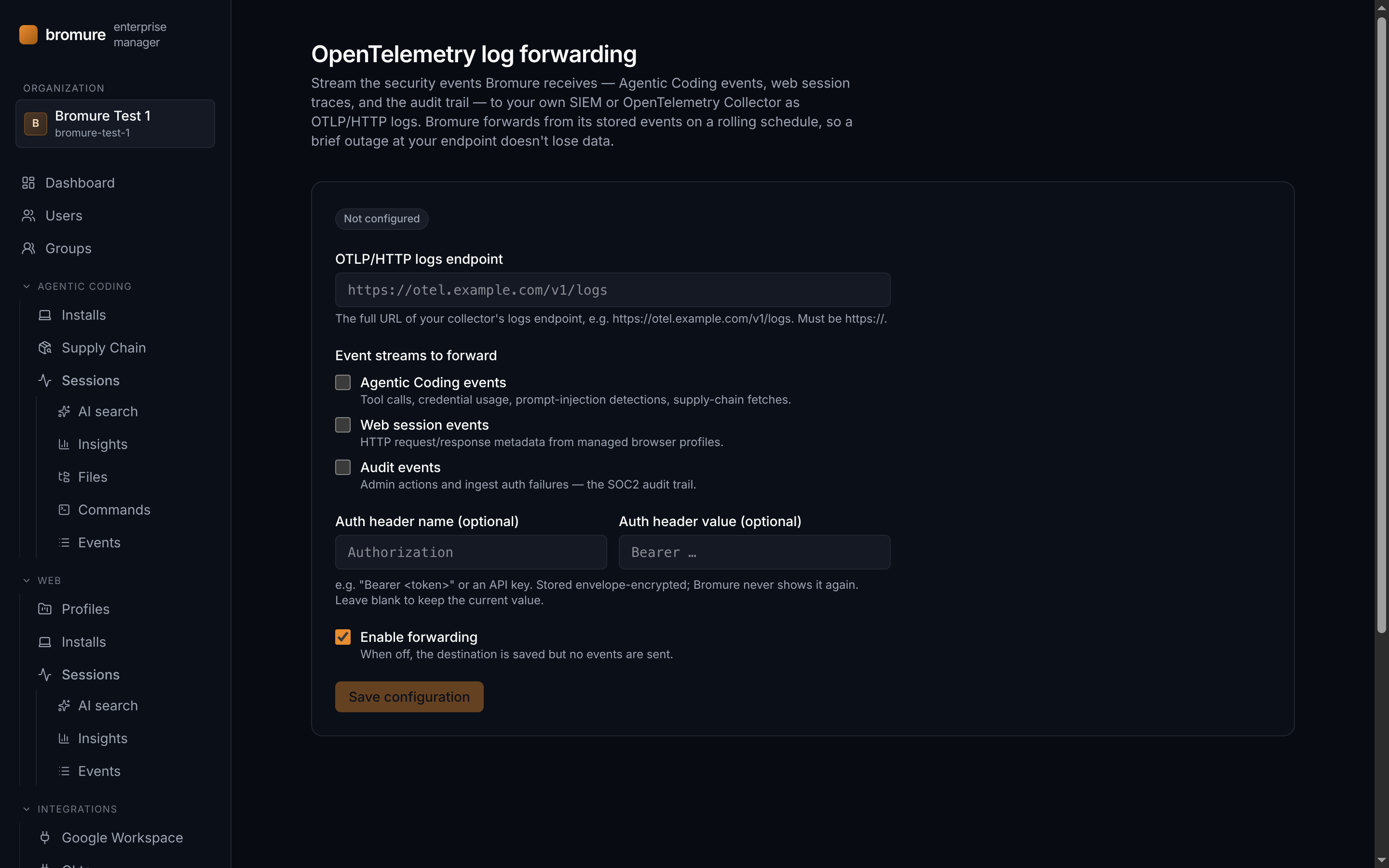
Streams the security events Bromure ingests — Agentic Coding events, web session traces, and the audit trail — to your own SIEM or OpenTelemetry Collector as OTLP/HTTP logs. Set the collector's logs endpoint (https only), pick which streams to forward, and optionally add an auth header. Bromure forwards from its stored events on a rolling per-stream cursor, so a brief outage at your endpoint loses nothing.
Integrations › mTLS
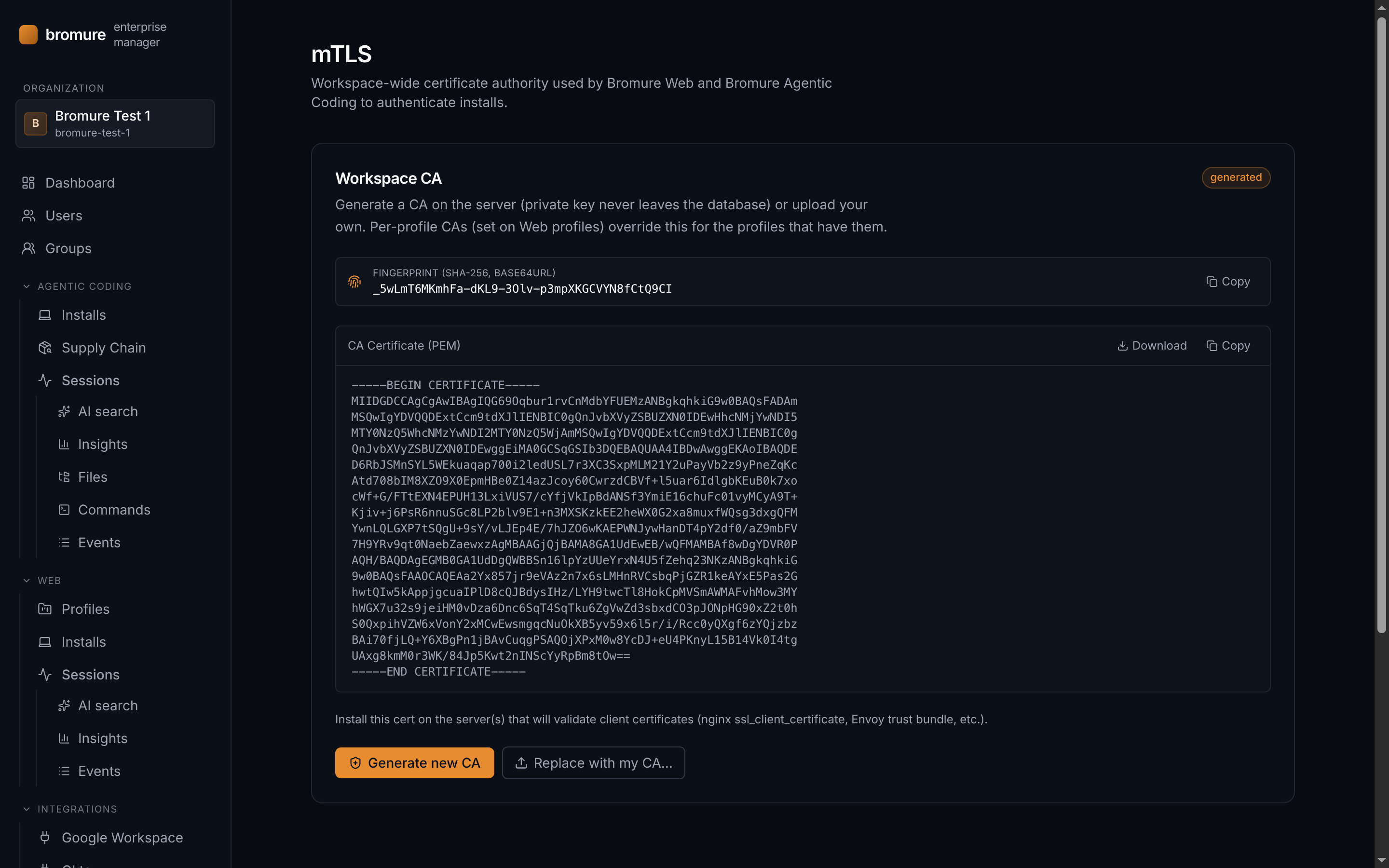
A workspace-wide certificate authority that both Bromure Web and Bromure Agentic Coding use to authenticate installs. Generate a CA in one click or upload your own PEM cert and private key; the key is envelope-encrypted at rest and never handed back. This org-level CA is distinct from the per-profile mTLS CA on the profile editor — it secures the channel between every enrolled install and the Enterprise Manager itself.
Audit log
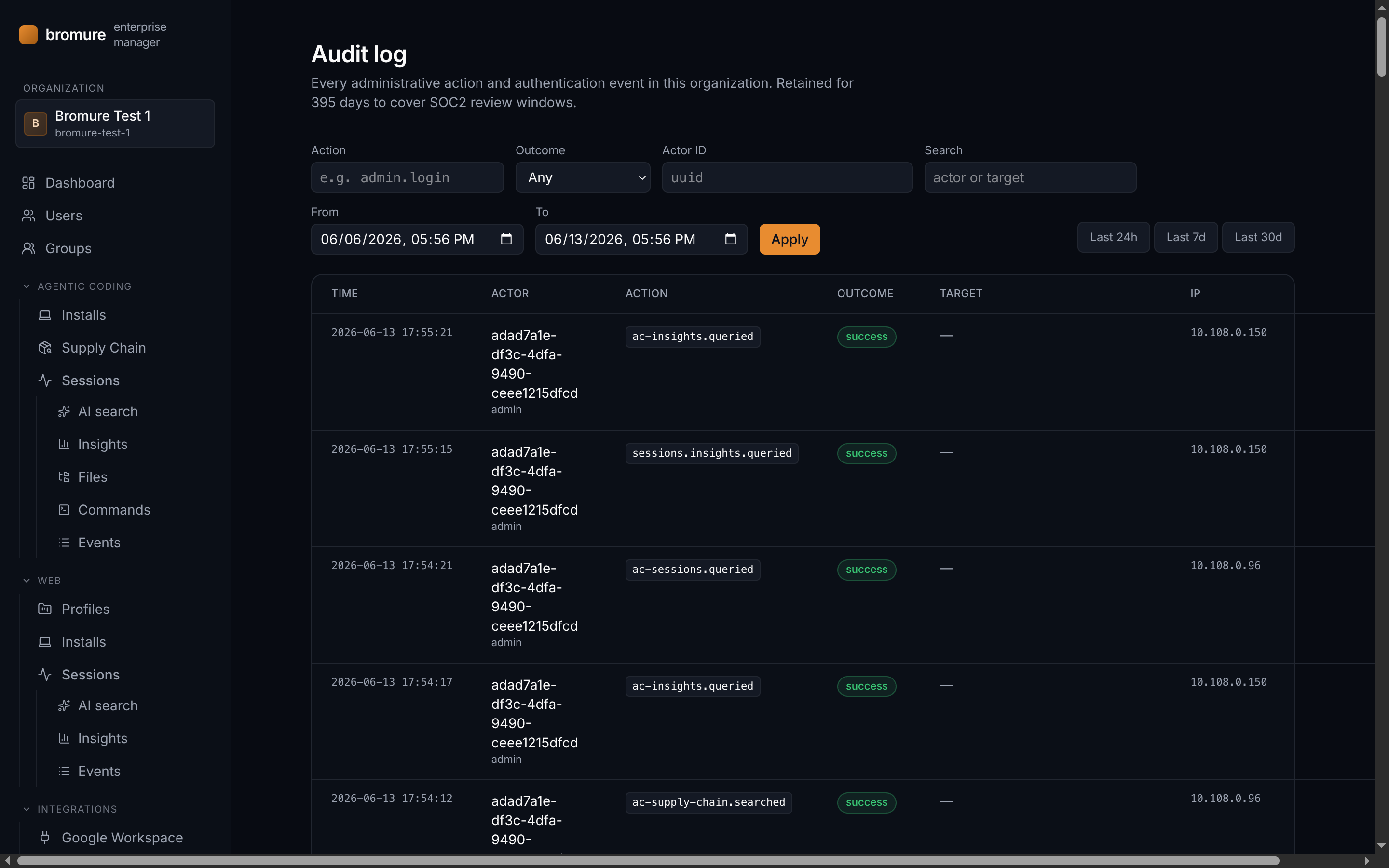
Every administrative action and authentication event in the organization — who did what, from where, and whether it succeeded. Filterable by action, actor, outcome, and a free-text search on actor or target. Retained for **395 days** to cover SOC 2 review windows.
Admins
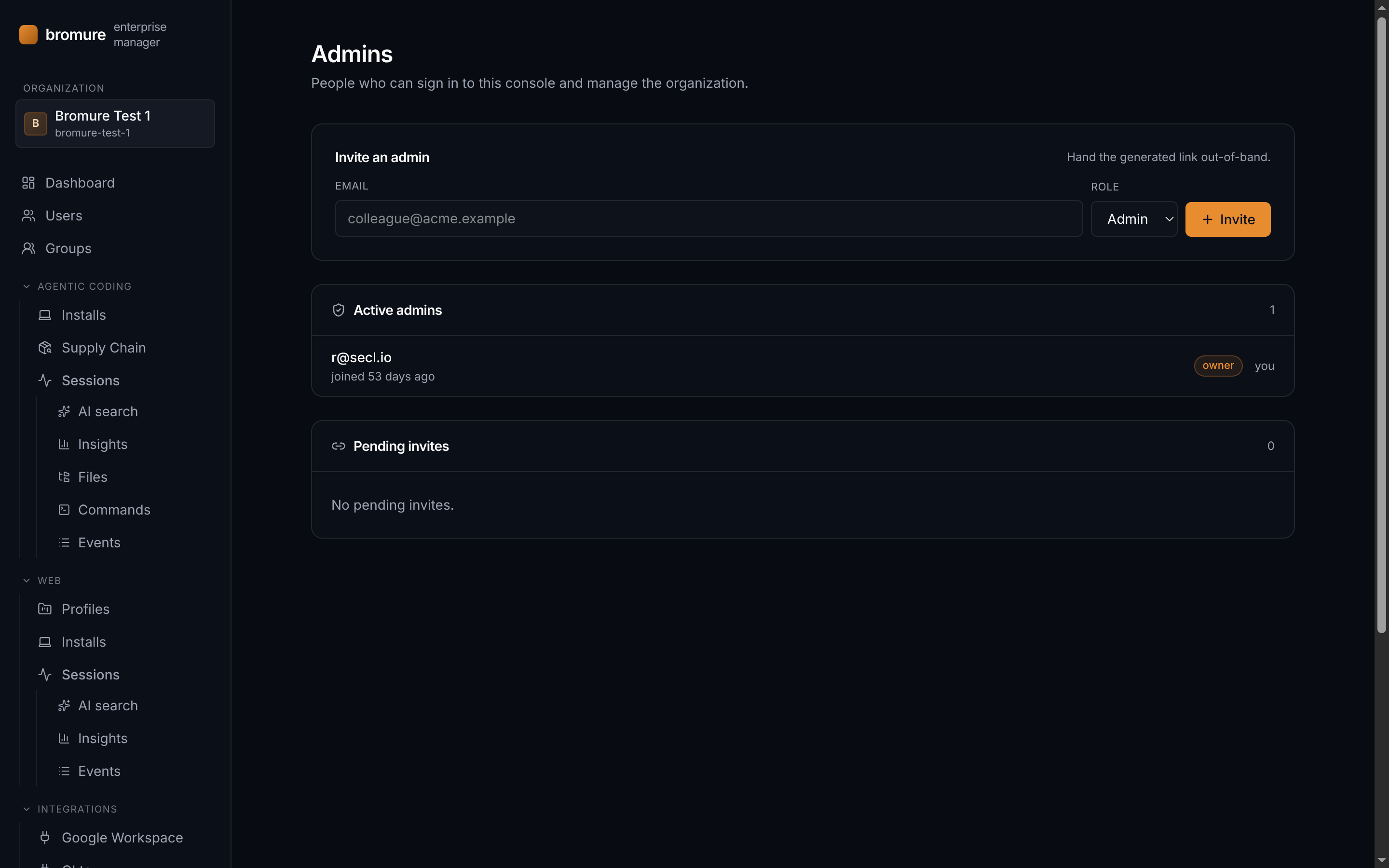
People who can sign in to the console and manage the organization. Owners can invite additional admins or owners by email; the invite link is shown once and should be handed out-of-band (never emailed by Bromure itself). The invitee sets their password on first use.
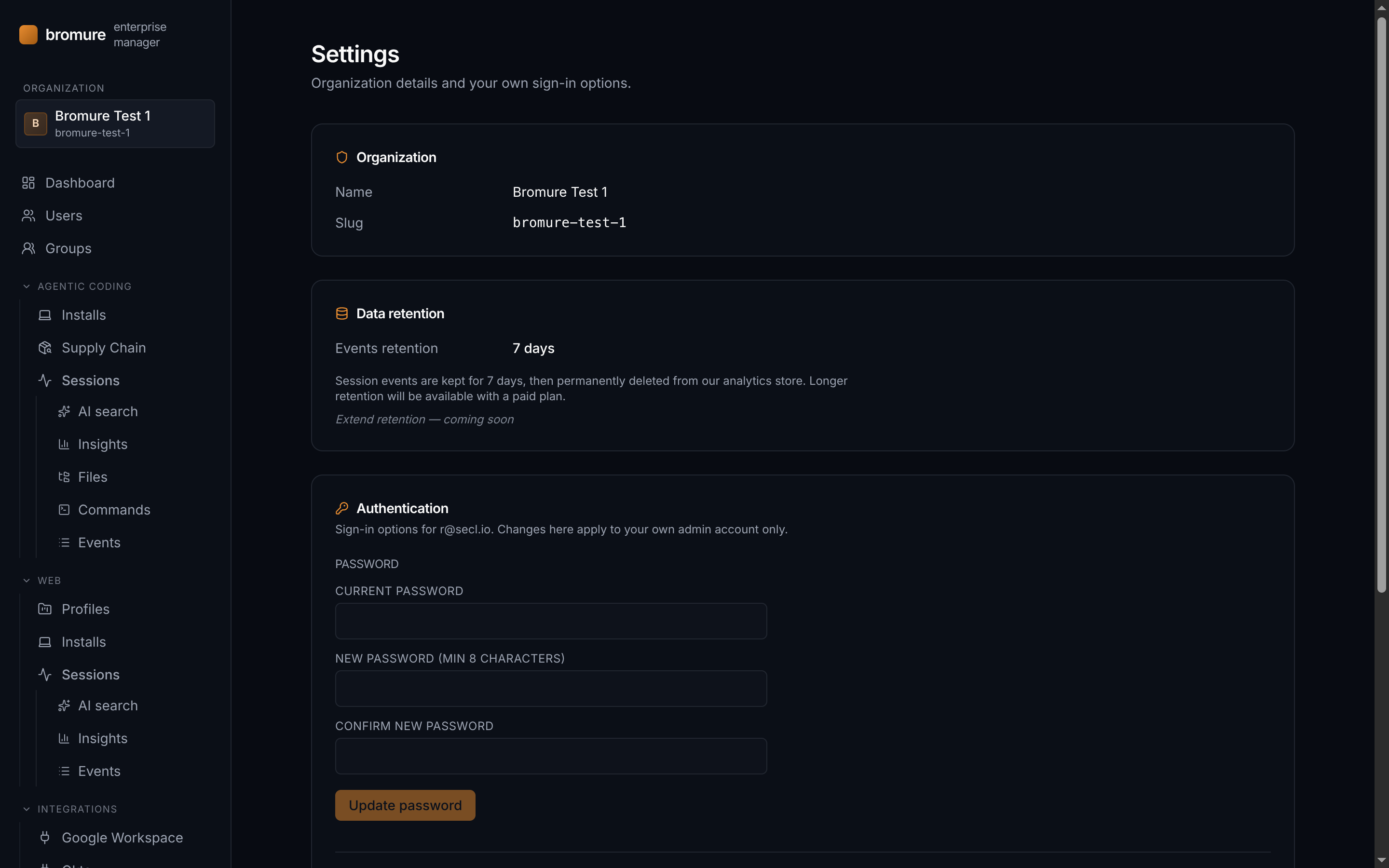
Settings
Organization-level details and your own admin sign-in options in one place. Owners can edit the organization name; the URL-safe slug is immutable. *Data retention* shows how long session events are kept (7 days on the free tier; longer retention on paid plans). The *Authentication* block applies to your own account only: change your password, enable TOTP with backup codes, or register a passkey (requires HTTPS — passkey enrollment won't work over plain HTTP).