Environment
The Environment pane sets plain environment variables exported into every shell in the machine's VM (a machine is a workspace, in the settings editor). They are for non-secret settings — log levels, feature flags, build toggles — that you want in the agent's environment without any credential handling.
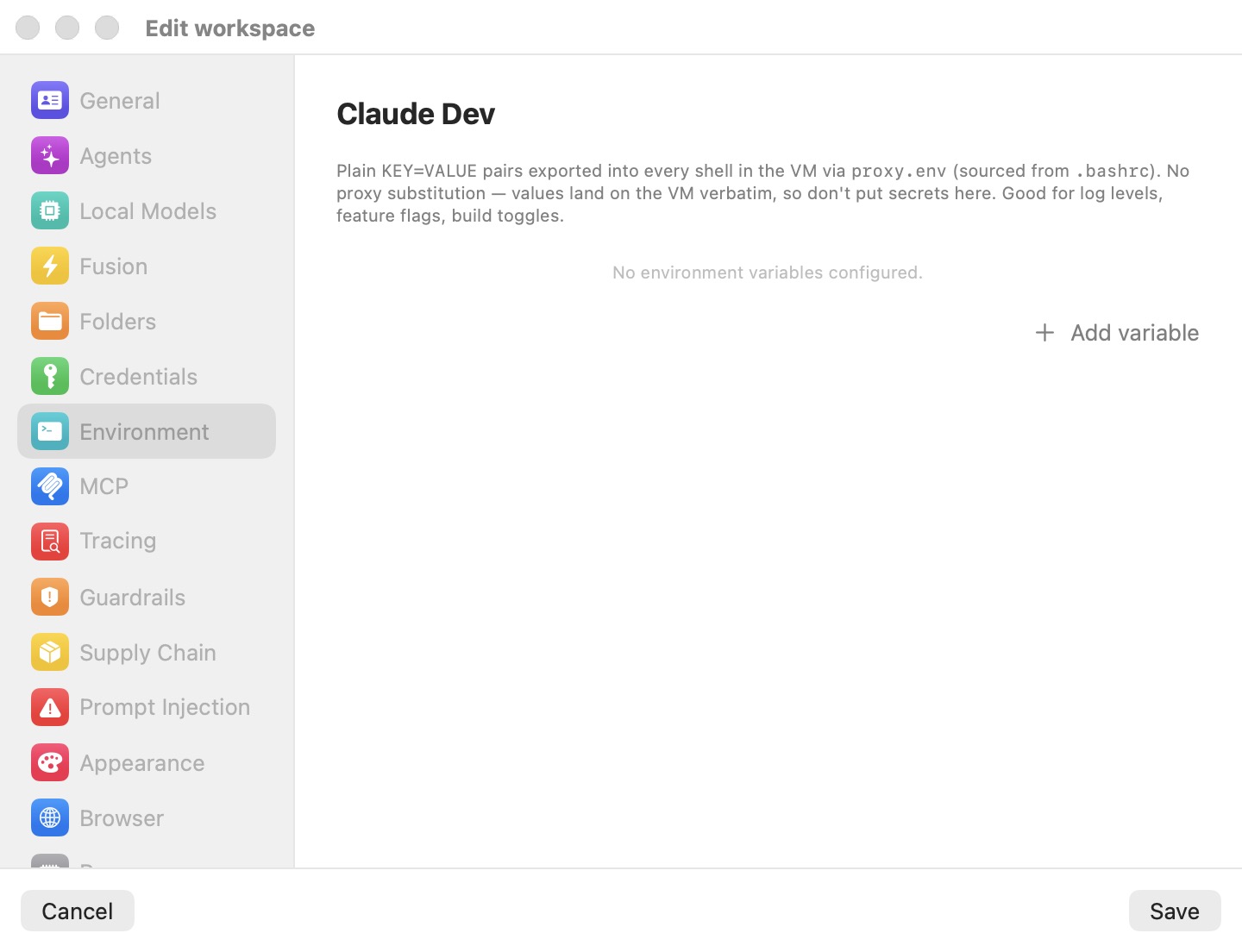
The caption says what the pane does and what it is not for: "Plain KEY=VALUE pairs exported into every shell in the VM via proxy.env (sourced from .bashrc). No proxy substitution — values land on the VM verbatim, so don't put secrets here. Good for log levels, feature flags, build toggles." With nothing configured it reads No environment variables configured.
How variables are exported
Each variable is written to proxy.env, which the machine's managed .bashrc sources for every shell. The value is present in every terminal, every command the agent runs, and every login and non-login shell, exactly as you typed it. There is no fake and no swap on the wire.
For a token or password, use the Credentials pane instead: there the VM only gets a stand-in, and the real value is put in on the wire. A secret typed into this pane lands inside the VM in clear text.
Adding and editing variables
Add variable appends a row with a name field and a value field; the minus button removes it. The name must be a valid shell identifier — a letter or underscore, then letters, digits and underscores. A name that doesn't match shows an orange warning and is not exported. The value is used as written.
Changes on a running machine
Saving applies without a restart: proxy.env is rewritten, and shells opened after the save see the new values. An agent that is already running keeps the environment it started with; a new tab or a new session picks up the change.
The values are stored in the machine's encrypted secrets.enc, like the pane's other data, not in profile.json.
Settings reference
| Setting | Type | Default | Description |
|---|---|---|---|
| Variable list | Name / value rows | Empty | Each row exports one variable into every shell via proxy.env. Invalid names show a warning and are skipped. Values are used verbatim. |
| Add variable | Button | — | Appends an empty row. |
Related chapters
- Credentials — where secrets belong.
- MCP — MCP servers, some of which read environment variables.
- Settings Reference — all panes at a glance.