MCP
The MCP pane configures the Model Context Protocol servers this machine's agents can use (a machine is a workspace, in the settings editor). MCP servers give an agent tools and context from outside — a documentation index, an issue tracker, a design tool, a database explorer. You describe each server once here; Bromure writes it into each agent's own configuration and hands it to the VM at boot.
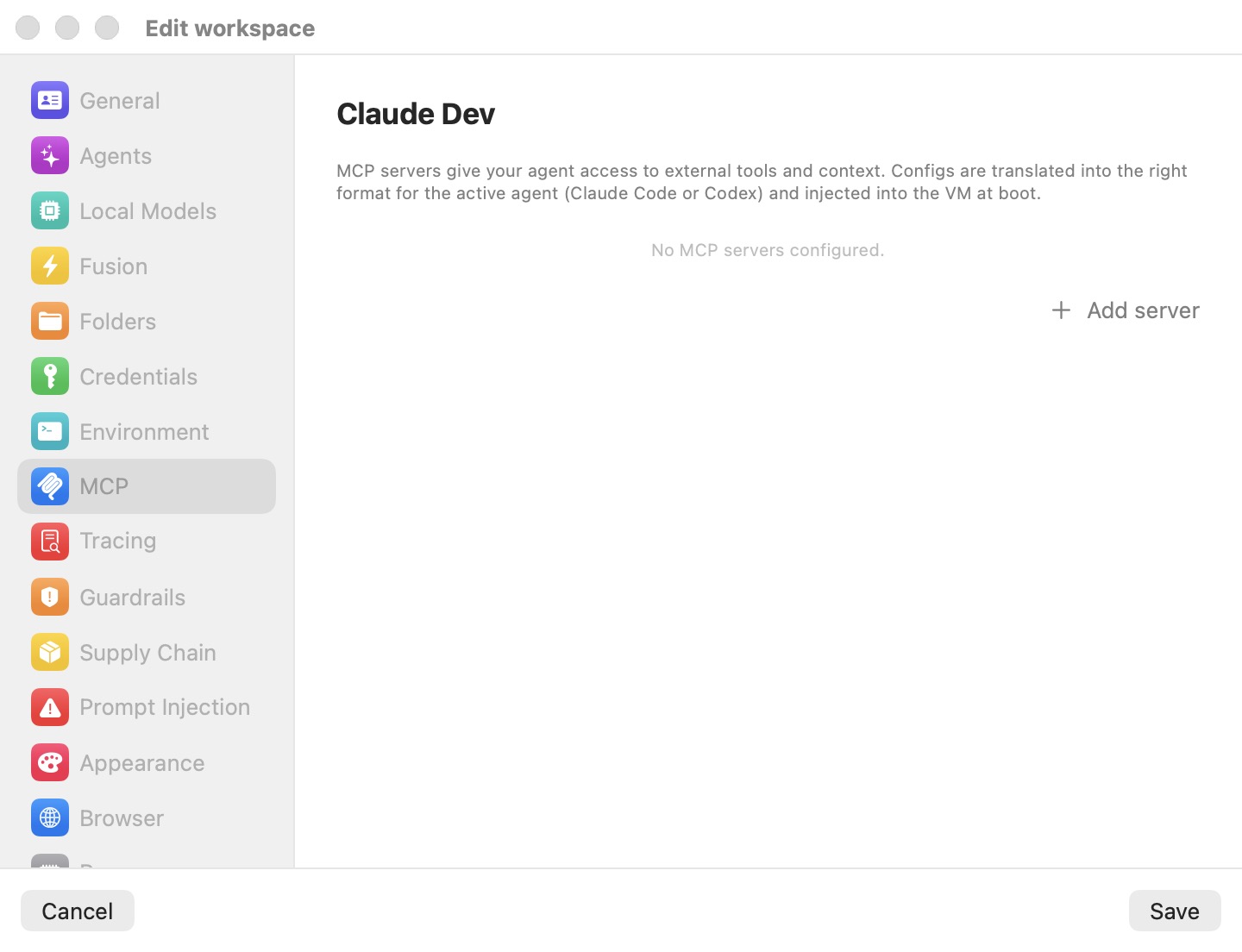
The caption: "MCP servers give your agent access to external tools and context. Configs are translated into the right format for each agent (Claude Code, Codex, Grok, Kimi and omp) and injected into the VM at boot." With none configured, the pane reads No MCP servers configured.
Built-in servers
Every machine also gets Bromure's own MCP servers. You don't configure them here and they are not listed in the pane. Each is a small program in the VM that talks to the Mac over a private virtual socket.
| Server | Given to | What the agent can do with it |
|---|---|---|
bromure-browser | Every agent | Drive the machine's embedded Chromium: navigate, click, type, screenshot, read the console and network log. See The Embedded Browser. |
bromure-automations | Every agent | List, create, edit, delete and run this machine's automations. See Automations. |
bromure-infrastructure | Every agent | See which Kubernetes clusters and registries this machine may use, and create new ones. See Kubernetes Clusters & Registries. |
bromure-delegation | Every agent session | Hand work to another session, or send a request to another machine, and hear back. See Agents Working Together. |
bromure-board | Agents working a coding task | Set the plan, create subtasks, hand the task to review. See Coding Tasks. |
bromure-switchboard | The Switchboard only | See and steer every session. See Switchboard & Messaging. |
In Claude Code's configuration the first four appear as browser, automations, infrastructure and delegation.
Tip: Don't give one of your own servers the same name as a built-in one (
browser,automations,infrastructure,delegation): yours replaces the built-in entry in the agent's configuration.
Adding a server
Click Add server to add a row. New servers use HTTP and are enabled. Each row has:
- Name — the server's identifier (placeholder
my-server). - Transport — HTTP or STDIO. Hidden in JSON mode.
- Enable switch — turns this server on or off without deleting it.
- Edit as JSON — the braces button swaps the form for a raw JSON editor, validated as you type and passed through as-is; it then reads Switch to form.
- Remove — the minus button.
STDIO servers
A program launched inside the VM that speaks MCP over standard input and output:
- Command — the executable (placeholder
npx). - Arguments — space-separated (placeholder
-y @upstash/context7-mcp).
HTTP servers
A remote MCP endpoint. URL takes the address (placeholder https://mcp.example.com/mcp); the Authentication disclosure holds the credential. Either way, the real token stays on the Mac:
- Authorize with OAuth… — the Mac runs the OAuth sign-in. Once authorized, the row shows Authorized with its expiry and Re-authorize / Revoke. The agent's configuration carries no credential at all; the proxy adds the authorization to requests bound for the server.
- Static token — under "Or enter a static token:", set an Env var name (for example
FIGMA_OAUTH_TOKEN) and paste the Token, captioned Never sent to VM — swapped by proxy. The VM gets a stand-in in that variable, and the proxy swaps it for the real token on requests to the server's host.
For HTTP servers with a token, the proxy also answers the server's OAuth discovery requests, so the agent treats the server as already signed in instead of trying its own sign-in, which can't work inside the VM. See Credentials & the Wire Boundary.
Note: If a server in JSON mode also has a static token, its JSON is ignored and the form's fields are used instead, so the token can be swapped.
When changes apply
Server definitions are written into the agents' configuration when the machine boots. After adding, changing or removing a server, restart the machine for agents to see it. OAuth authorization and revocation take effect on the Mac immediately.
This pane vs. the app's own MCP server
- This pane configures servers the agent inside the VM uses as tools.
- The Automation pane in Preferences enables the
bromure-ac mcpserver, which lets an agent outside — on your Mac — drive Bromure itself. See Automation and CLI, API & MCP.
Settings reference
| Setting | Type | Default | Description |
|---|---|---|---|
| Server list | Rows | Empty | Name, transport, enable switch, JSON toggle. |
| Transport | HTTP / STDIO | HTTP | Hidden in JSON mode. |
| Enabled | Switch | On | Per server. |
| Edit as JSON | Toggle | Form | Raw JSON, passed through. |
| Command / Arguments | Text (STDIO) | Empty | Executable and arguments. |
| URL | Text (HTTP) | Empty | The endpoint. |
| Authentication | OAuth or static token (HTTP) | None | Real token stays on the Mac; swapped on the wire. |
| Add server | Button | — | Adds an enabled HTTP server. |
Related chapters
- CLI, API & MCP — the app's own MCP server and the in-guest servers' ports.
- Credentials & the Wire Boundary — how MCP tokens are held and swapped.
- Settings Reference — all panes at a glance.